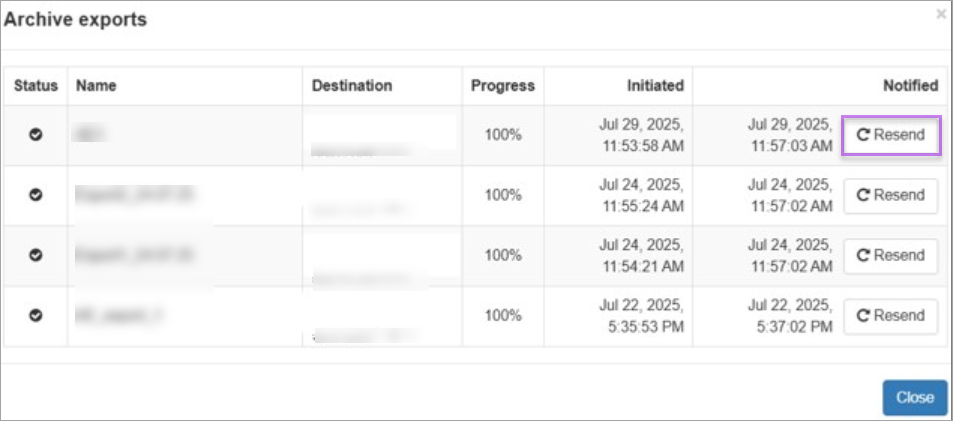
Export Status
Admin Level
-
Click Archiving -> Export status to view the export status of archived messages.
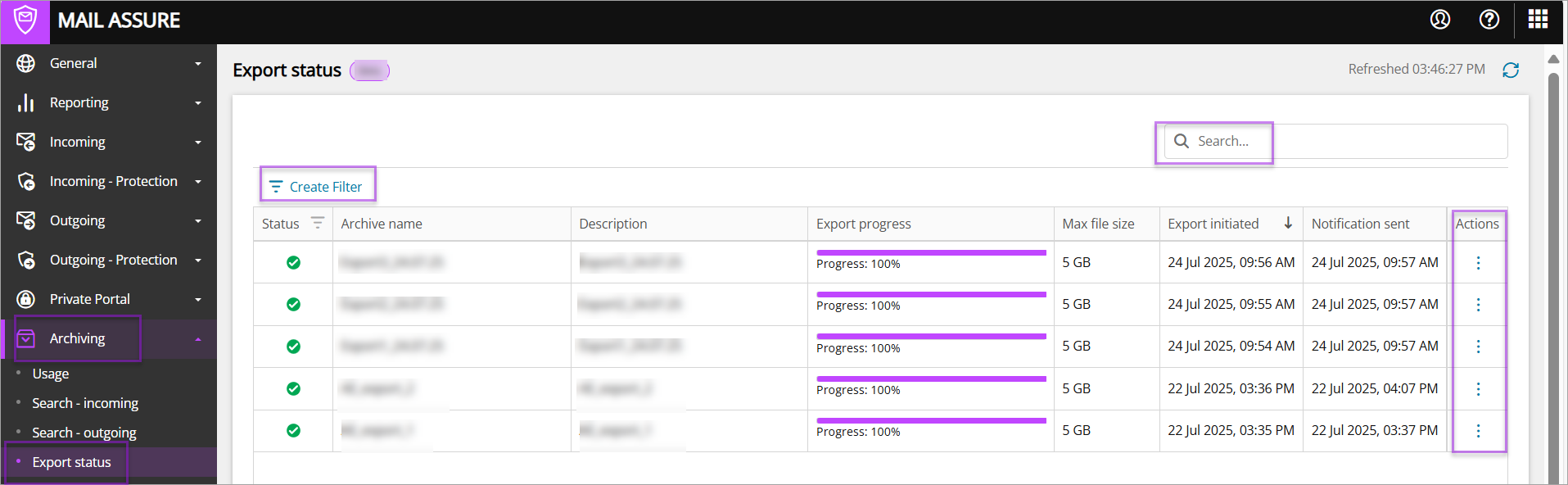
You can also search and filter for a specific export request.
Additionally, by clicking the three dots under Actions -> Resend notification, you can resend the email notification that has the download link to the archived message, for a specific archive export request.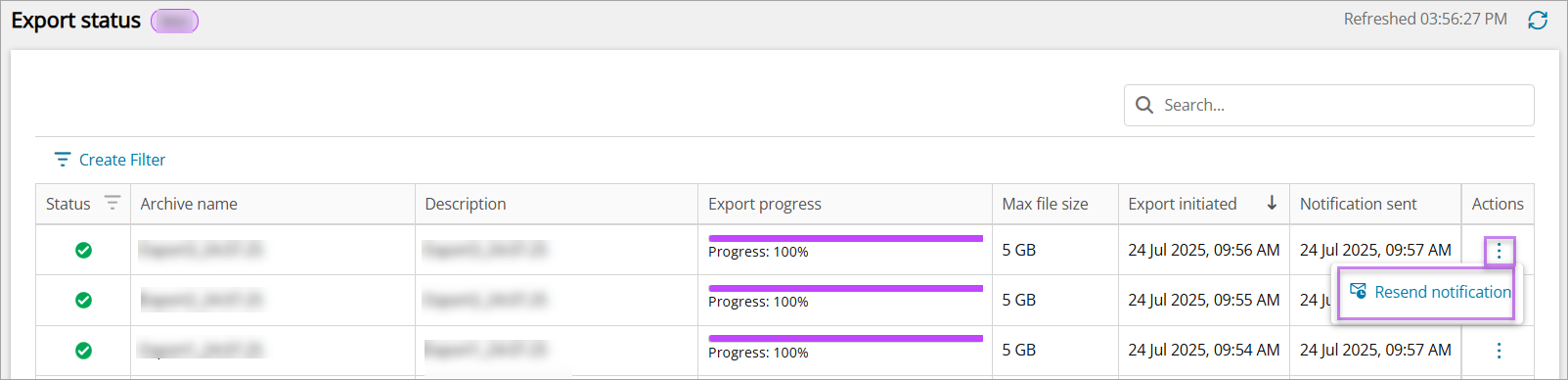
Domain or Email Level
-
Go to Archiving -> Search – incoming and Archiving -> Search – outgoing and click View archive exports.
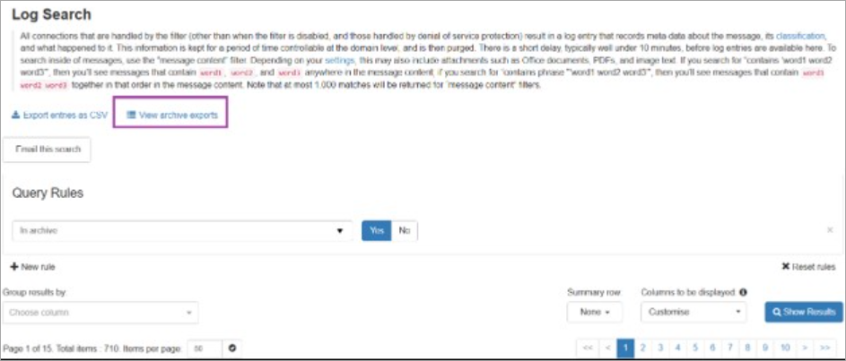
You can now view the initiated export, status, user email and date and time. You can also resend the email notification containing the download link for the archived message, for a specific export request.